Adding covers with SteamGridDB integration
tico integrates with SteamGridDB to fetch cover art directly from the app.
You'll need a free API key. Create an account at steamgriddb.com and generate one from your profile settings.
Go to Settings → SteamGridDB → API Key and enter your key.
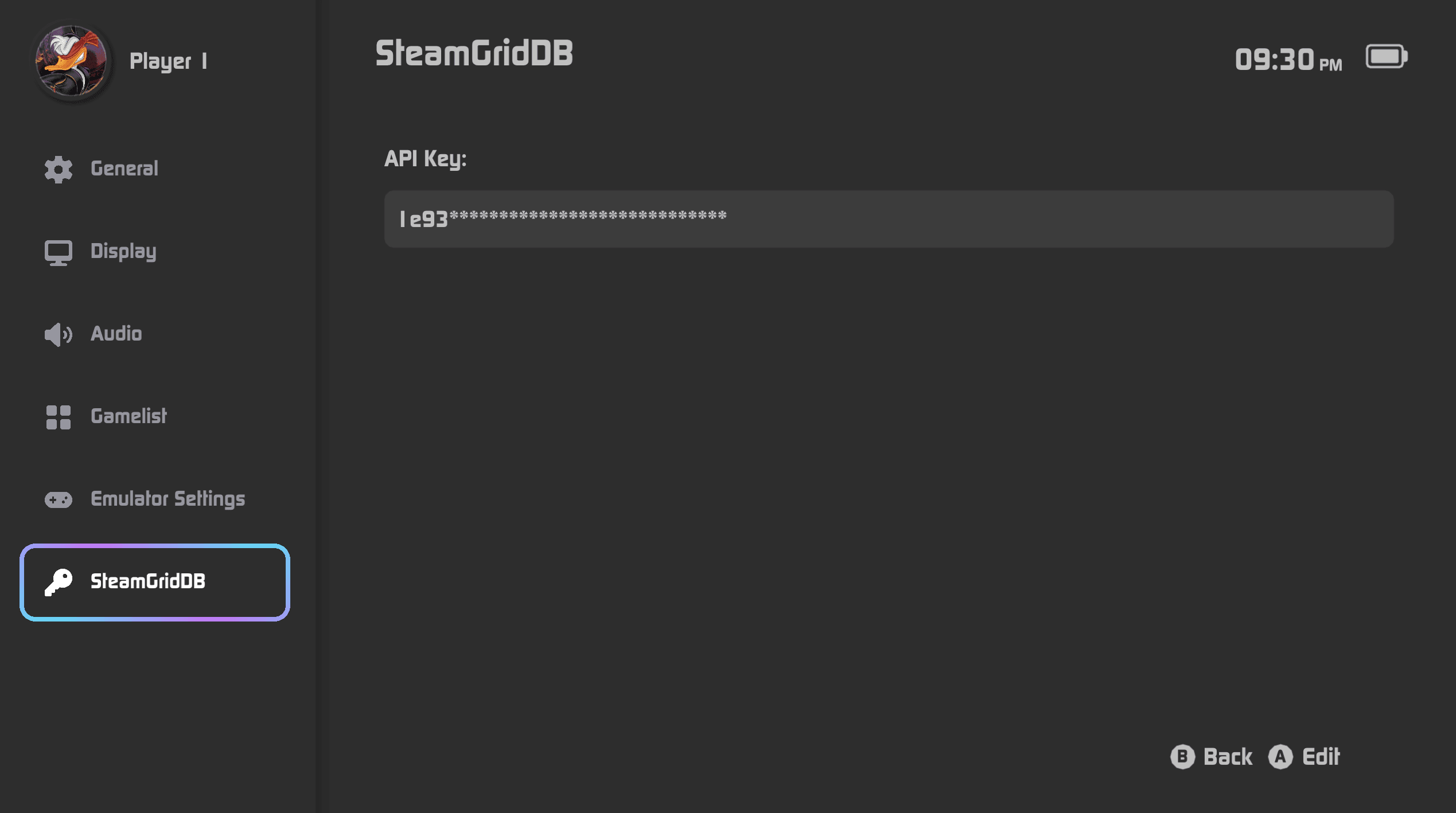
Alternatively, edit
sdmc:/tico/config/accounts.jsonc manually:{
"steamgriddb_api_key": "YOUR_API_KEY_HERE"
}Fetching a Cover
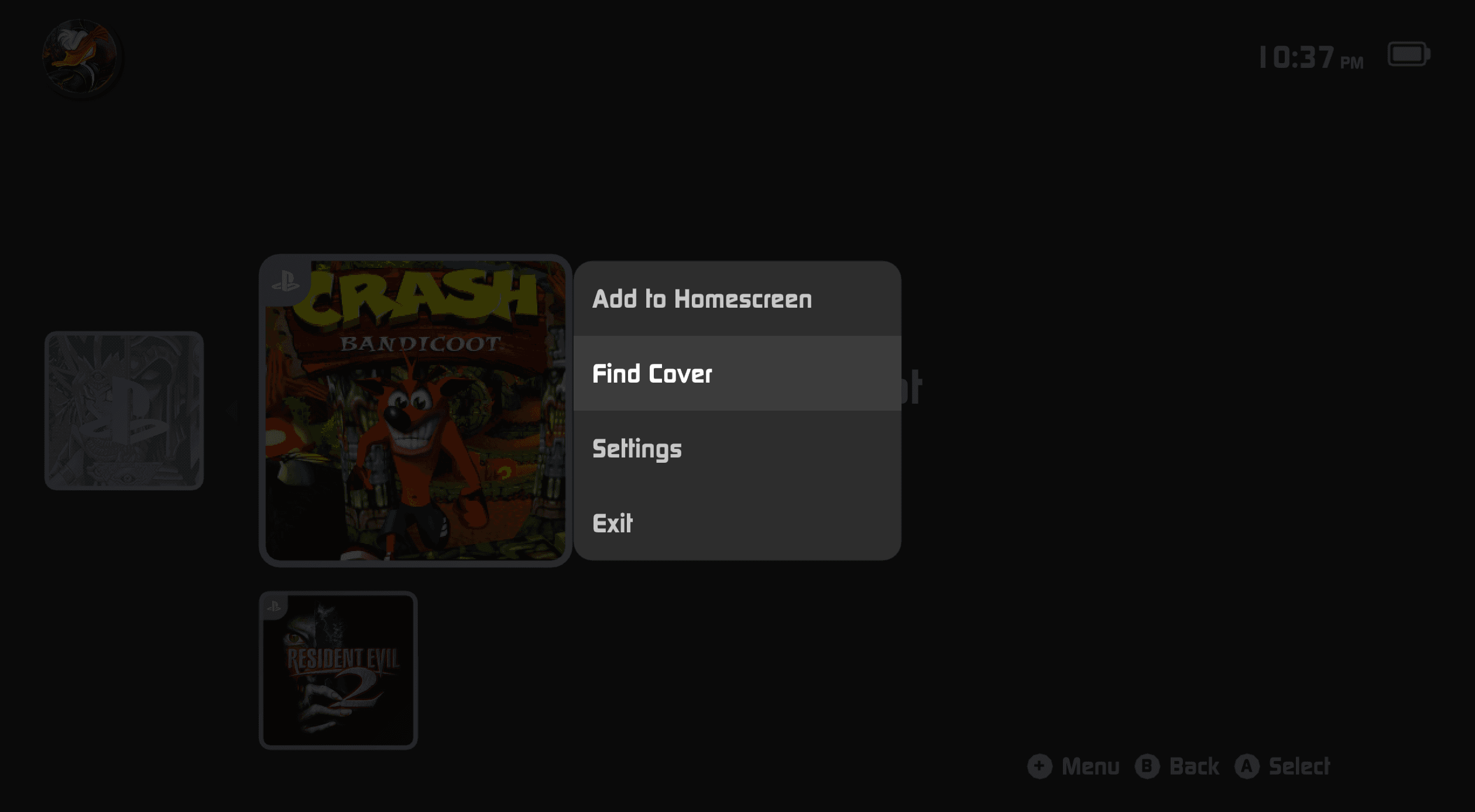
On the Home Screen, hover over a game and press
+Select Find Cover
Confirm the correct game from the search results or press
+to search/adjust the nameSelect your preferred art — tico applies and saves it automatically
Notes
An active internet connection is required to fetch covers.
Cover art is sourced from SteamGridDB's community database and may vary in quality or availability.
tico connects directly to the SteamGridDB API — no intermediary.
If you run into SSL errors, check that your device's date and time are set correctly.